
Rent to Own PC Gaming: Compare the Full Cost First
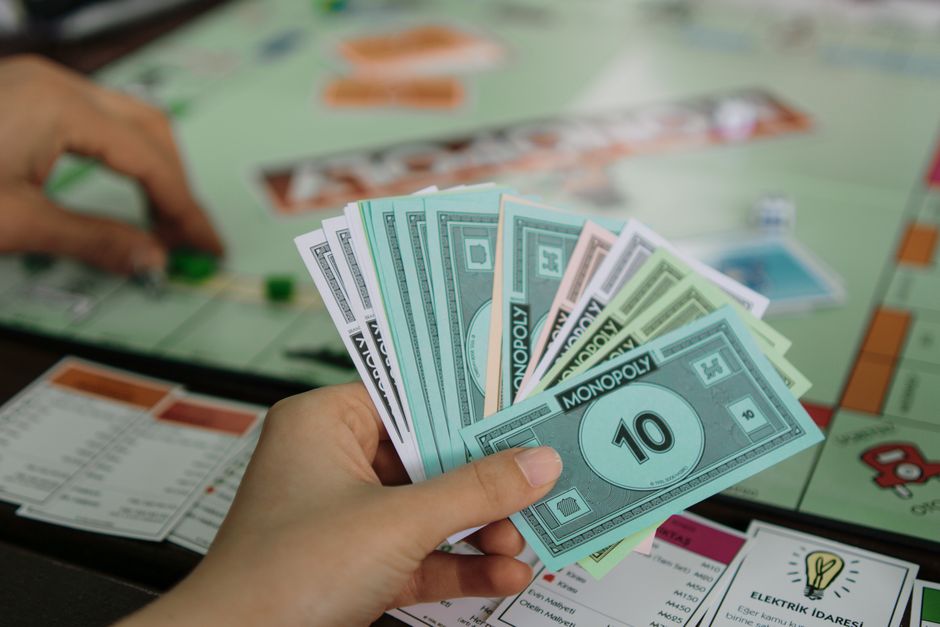
Rent to own PC gaming can provide immediate access when paying upfront is not workable, but compare every scheduled payment with the computer’s cash price and any financing offer before signing. Check the ownership timeline, early payoff terms, return window and fees, repair coverage, upgrade rules, and consequences of a missed payment. The agreement—not the weekly amount—determines the real cost and conditions.
How much will I pay in total before I own a rent-to-own gaming PC?
You will pay the scheduled payment multiplied by the full number of payments, plus any contract fees disclosed to you. Use the total-to-own figure in the agreement where one is provided, and confirm that it includes every required payment before ownership transfers.
The Maryland Office of the Attorney General illustrates why the total matters: a used computer with a $650 cash price cost $1,456 through 52 weekly payments of $28. That example is not a price quote for a gaming PC; it shows how a manageable-looking weekly amount can add up to substantially more than the cash price. Maryland’s guide says rent-to-own often costs about double the cash price.
Before signing, write down the PC’s advertised cash price, each payment amount, the number and frequency of payments, the total cost to own, and any early purchase amount. Maryland requires rent-to-own contracts to disclose the cash price, payment count and amount, total cost to own, and early purchase option. Those are useful comparison points even when a contract is governed elsewhere.
Also check whether the computer is new or used and whether the listed parts match the configuration you expect. The North Carolina Department of Justice specifically recommends checking the ownership term and whether the item is new or used. A price comparison is meaningful only when you are comparing the same computer and condition.
Is rent-to-own cheaper than financing or buying a gaming PC outright?
Rent-to-own is not automatically cheaper than financing or paying cash; compare the full contract total against the cash price and the total repayment under a specific financing offer. The published examples from consumer agencies show that rent-to-own can cost far above retail, while the available sources do not provide a current gaming-PC price or a matched financing quote.
For a concrete comparison, Maryland’s guide gives a $400 washer example: about $1,000 through rent-to-own versus $480 on an 18-month installment plan at 24% interest. The North Carolina Department of Justice gives another illustration: a $300 television at $14 per week for 87 weeks totals $1,218, more than three times retail. Neither example is a gaming computer, so use them as evidence of the comparison method, not as an estimate of your PC’s cost.
Build a like-for-like table before deciding. Put the same PC model and specifications in each option, then enter only amounts actually shown by the retailer, lender, or rental contract. If an amount or condition is not published, mark it “not published” and ask for the written terms rather than estimating.
| Option | Who it suits | Cost shown in sources | Key limitation |
|---|---|---|---|
| Rent-to-own computer example | Readers evaluating scheduled payments against a cash price | Used computer: $650 cash price; $1,456 over 52 weekly payments of $28 | Example is for a used computer, not a gaming PC |
| Installment-plan example | Readers comparing a rent-to-own total with a stated installment offer | $400 washer; about $480 over 18 months at 24% interest | Example is for a washer; gaming-PC financing cost not published |
| Buy outright | Readers able to pay the stated cash price | Cash price is the comparison baseline; gaming-PC price not published | Specific PC price and availability not published |
| Save first | Readers able to wait and set money aside | North Carolina example: saving $14 weekly for 22 weeks covers a $300 television | Example is for a television; time to save for a gaming PC depends on its price |
The North Carolina agency advises comparing total payments with retail and installment options and considering whether saving first would be cheaper. Its television example says saving $14 weekly for 22 weeks would cover the $300 cash price and save more than $900 compared with the rent-to-own total. For a PC, calculate the equivalent using its actual cash price and an amount you can set aside; do not assume the television timeline applies.
Can I return the PC if I change my mind, and when can I cancel?
You can return or cancel only under the terms that apply to your agreement and the seller’s return policy, so verify the window and process before signing. Do not treat a rental agreement’s payment schedule as a substitute for a return policy.
GPC Rental says returns within the vendor’s return-policy window are subject to that vendor’s policy and may be reduced by its restocking fee. That makes three details essential: the last day to initiate a return, who pays return shipping or pickup, and whether a restocking or other fee reduces any refund. The sources provided do not publish universal return-shipping costs or a general cancellation right for gaming-PC rent-to-own contracts; those terms must come from the specific contract.
Ask the provider to identify the return policy that applies to the exact computer and attach or provide it before payment. Also ask what happens to payments already made if you return the PC, whether the agreement ends immediately, and whether any amount remains due. Record the answers in writing; verbal assurances do not tell you what the contract requires.
Before you sign, use this short checklist:
- Match the model, processor, graphics card, memory, storage, and new-or-used condition to the written offer.
- Confirm payment amount and frequency, total cost to own, minimum term, ownership transfer, and early purchase amount.
- Read the return window, cancellation steps, shipping or pickup responsibility, and restocking or other fees.
- Check warranty duration, who handles repairs, covered failures, exclusions, and what happens if the vendor warranty expires.
- Get the missed-payment, repossession, reinstatement, and upgrade terms in writing.
Frequently Asked Questions
What happens if I miss a payment or the gaming PC needs repairs?
A missed payment can lead to repossession and loss of credit for prior payments, depending on the agreement and applicable rules. Repair coverage also depends on the contract: GPC Rental says it covers component failure during a lease that outlasts the vendor warranty, but excludes customer-caused damage, drops, spills, and theft.
Can I pay off the agreement early or upgrade the PC during the term?
Early purchase options may be available, but the amount and deadline are contract-specific. GPC Rental describes a standard 18-consecutive-month path to ownership and says certain early buyouts cost no more than the advertised cash price; confirm the offer in your own agreement. The provided sources do not publish general upgrade terms, so get those terms in writing before signing.
Sources
You may also like

Top Medicare Supplement Plans: Compare Coverage and Cost
Compare Plan G, Plan N, and high-deductible G by coverage and costs, then compare same-letter insurers using local quotes and rate history.

How Do I Represent Myself in Child Support Mediation?
Prepare for child support mediation with the right records, a clear view of guideline calculations, and an understanding of what may happen if talks stall.
Can I Challenge Legal Paternity and Child Support?
Learn how challenging a paternity acknowledgment differs from contesting a child support order, including deadlines, DNA evidence, and ongoing obligations.